

Magic: The Gathering Slideshow
A simple Node.js server. A single highly interactive HTML file which animates complex AI generated SVG's behind five Magic: The Gathering characters.
Tech Stack :
Magic: The Gathering Slideshow
This project demonstrates a simple Node.js server. It serves a single highly interactive HTML file, Slideshow.html, which animates complex AI generated SVG's behind five Magic: The Gathering characters.
Features
Intro Slide:
- Welcomes users and explains the purpose of the visualization.
- Lists the goals: An emotional expression about my family through MTG characters and and abstract visual storytelling.
Character Slides
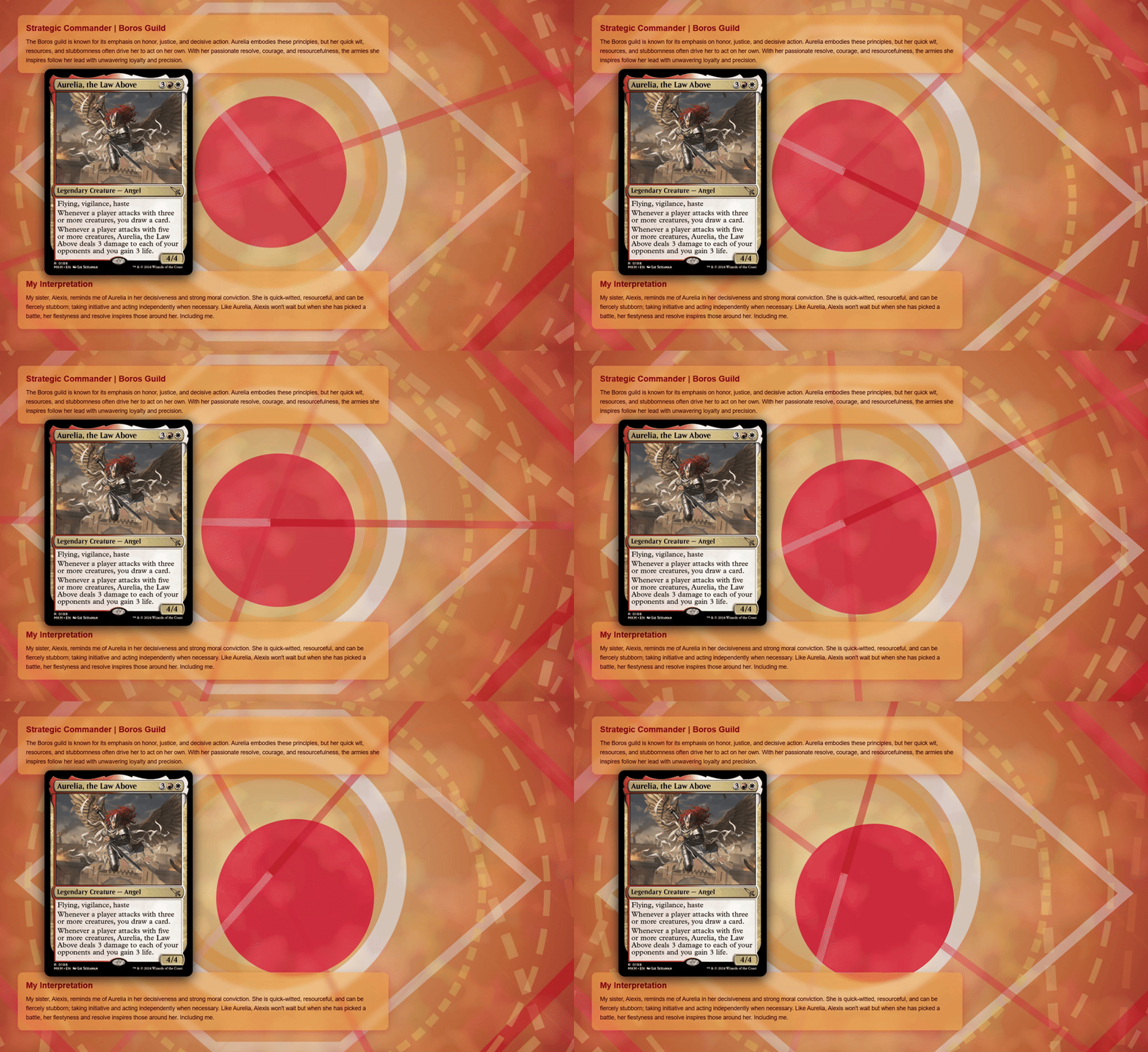
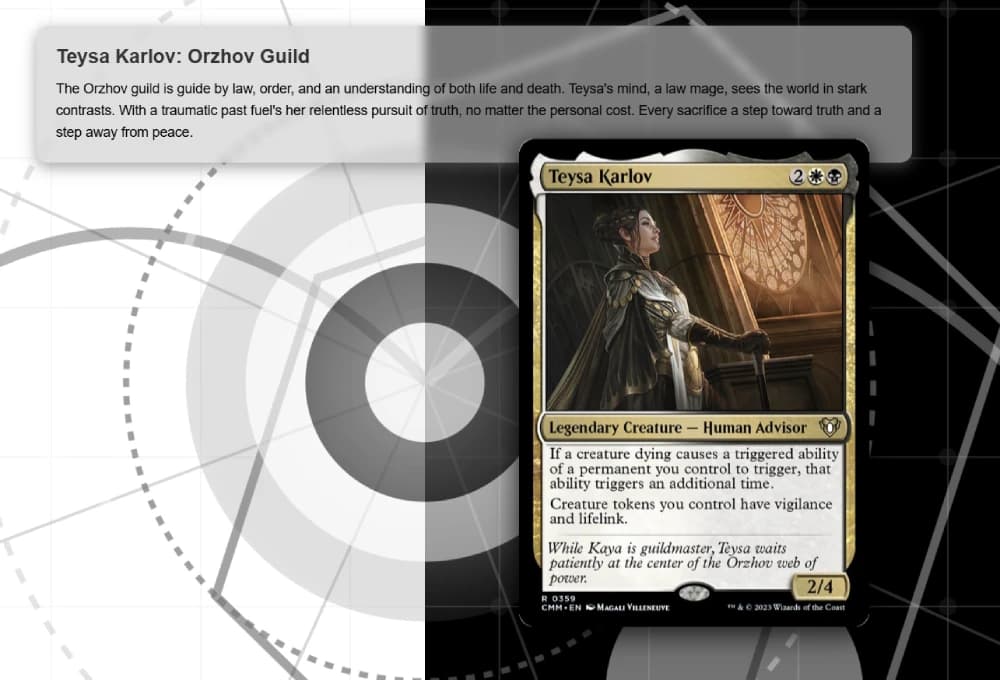
- Each slide is dedicated to a specific Magic: The Gathering character, with:
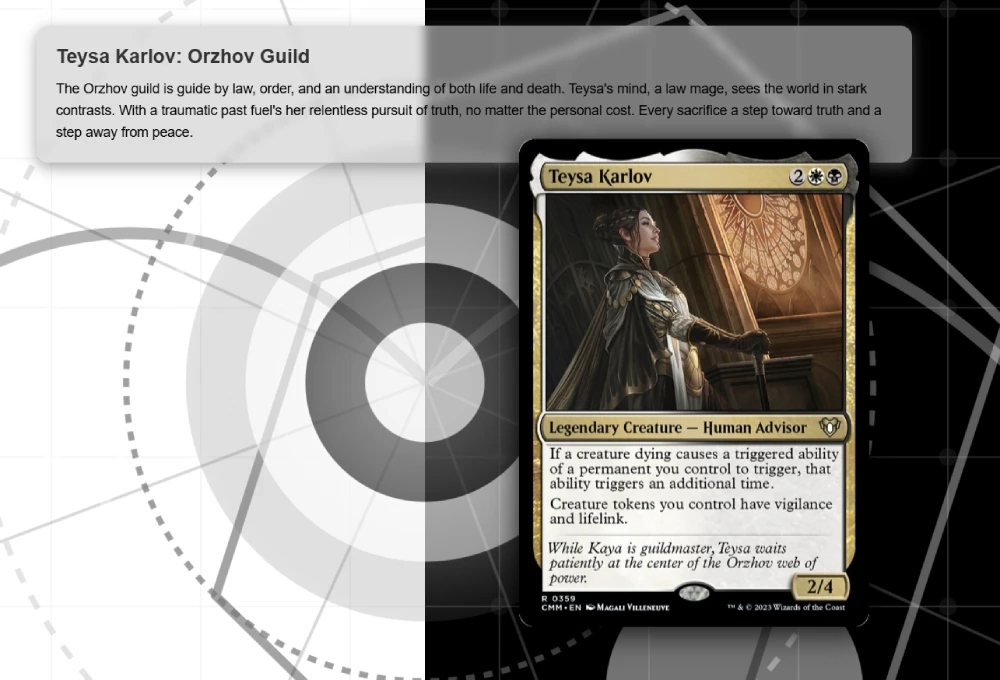
- Card art (from scryfall.com)
- Themed animated SVG backgrounds
- Two text boxes: lore/description and my own personal interpretation
- Characters featured:
- Sigarda, Heron's Grace (Selesnya)
- Baird, Steward of Argive
- Teysa Karlov (Orzhov)
- Gyome, Master Chef (Golgari)
- Aurelia, the Law Above (Boros)
Pegboard and Animation Engine
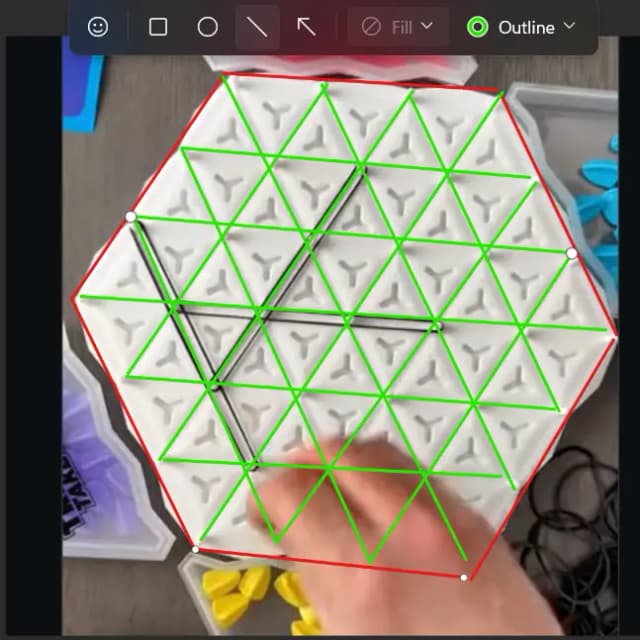
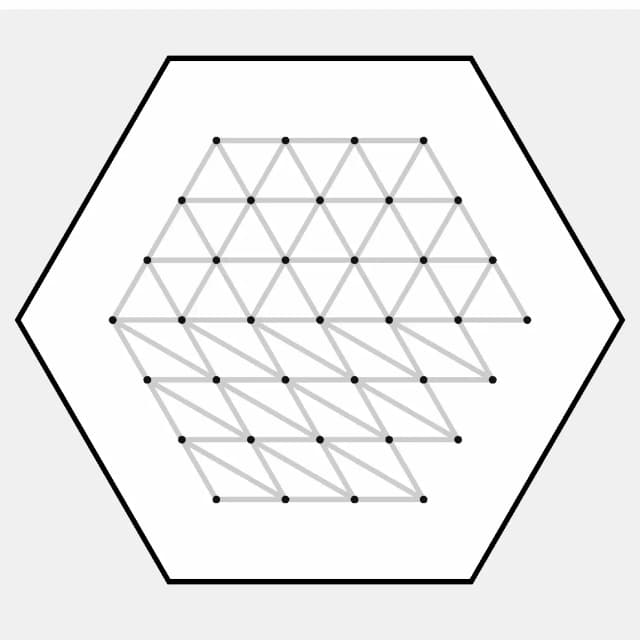
- A large SVG pegboard is in the Intro slide that animates lines and filling in triangles as the become bound by the lines.
- This particular animation was inspired by the game, Triangle Takeover, which myself and the intended audience of this presentation played together on Christmas day.
- The peg and triangle data were computed programmatically, which was done by providing AI with annotated screenshots.
- The order in which lines are drawn and the triangles are filled in emulate actually playing.
- An array of values represent a player's turn within the game, that array can be modified to produce the results of any game!

Interactive Controls
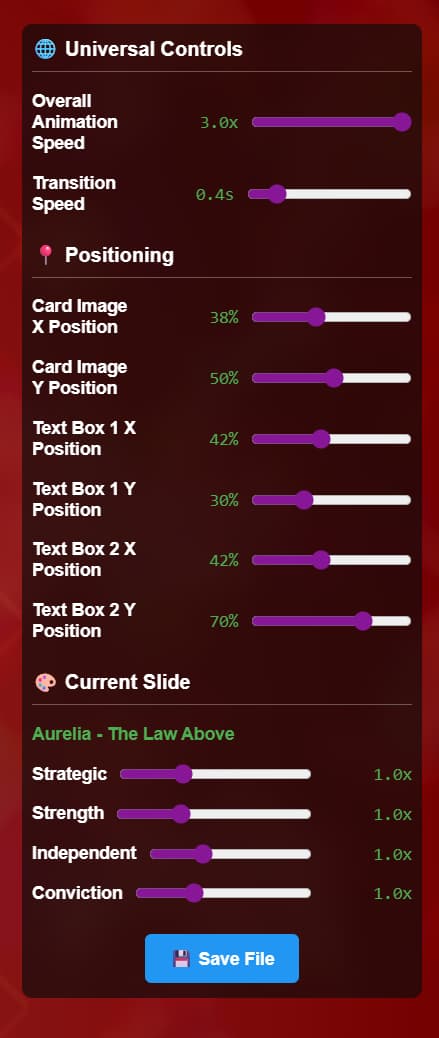
- Pressing the "H" key toggles the visibility of a right-side panel with various customizable controls.
- Controls include animation speeds, transition speeds, positions of static content, and variables for specific animations.
- Adjustments modify the animation and content real time.
- The controls are context-sensitive, showing specific options for the slide actively being viewed.
- Settings can be saved, copied, or imported/exported as JSON for customization and sharing.
Outro Slide
- Thanks the viewer and provides dynamic text based on run count.
- Offers a "Run Again" button to restart the presentation.
Customization
- The project structure is simple, making it easy to add new slides, visualizations, or static assets.
- All slide content, including text, images, and SVG backgrounds, can be edited directly in the HTML file.